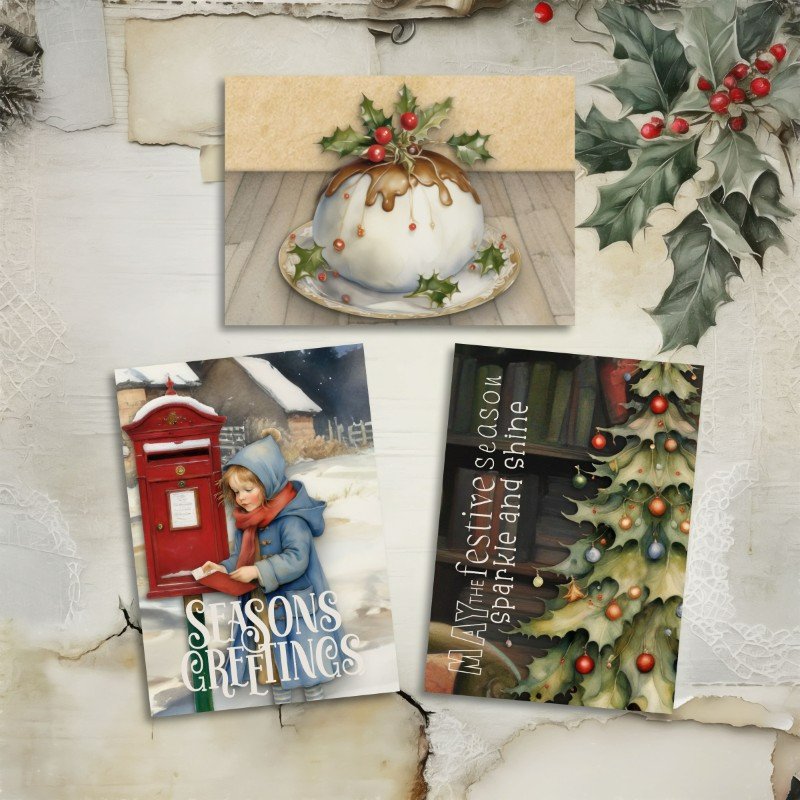
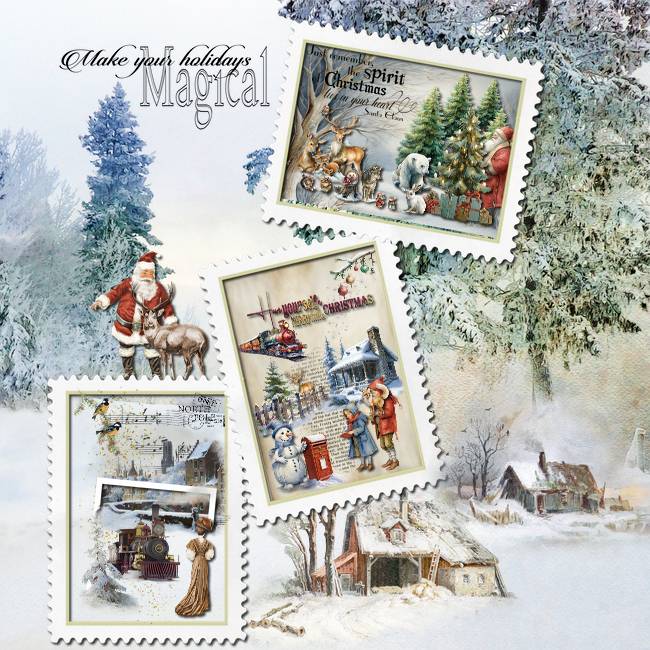
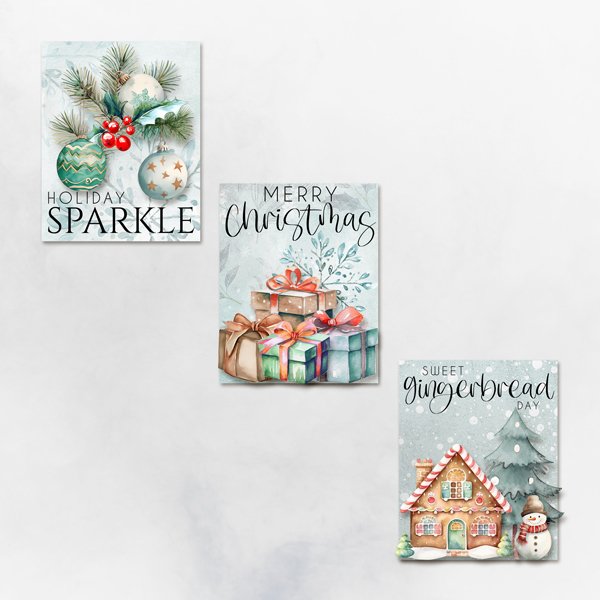
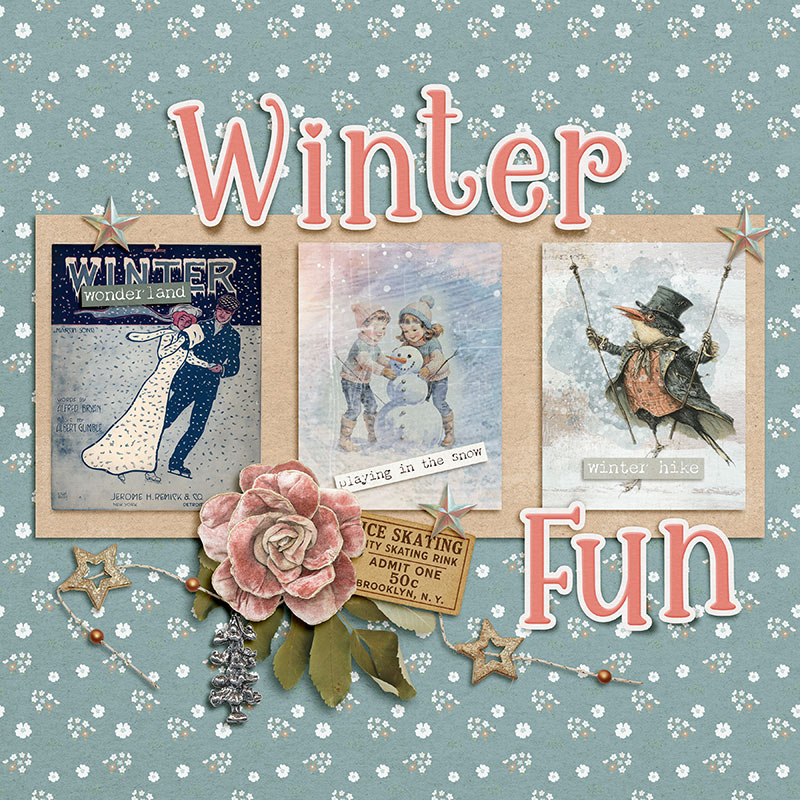
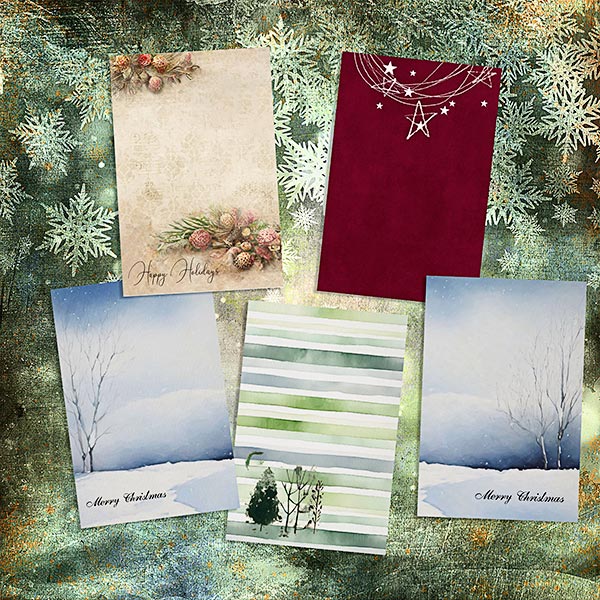
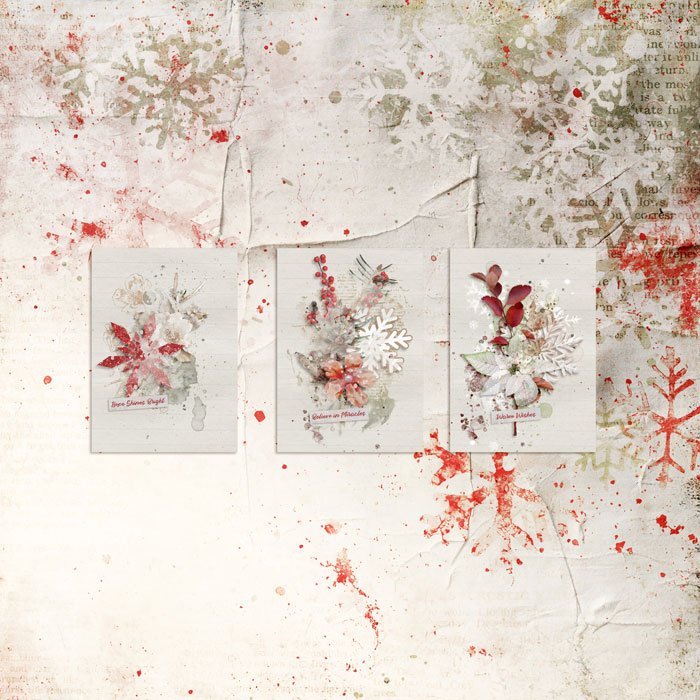
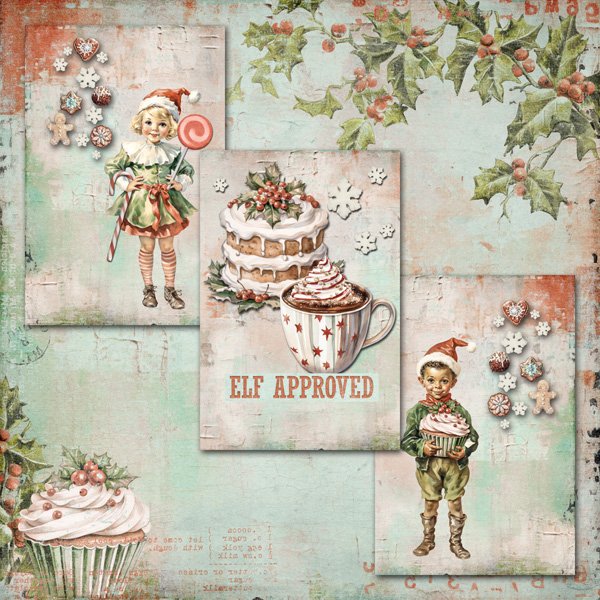
Welcome to Day 3 of the 12 Days of December. I am happy to be here with you and hosting today's challenge. I think you'll find this a fun challenge and can also help you prepare for the upcoming holidays.
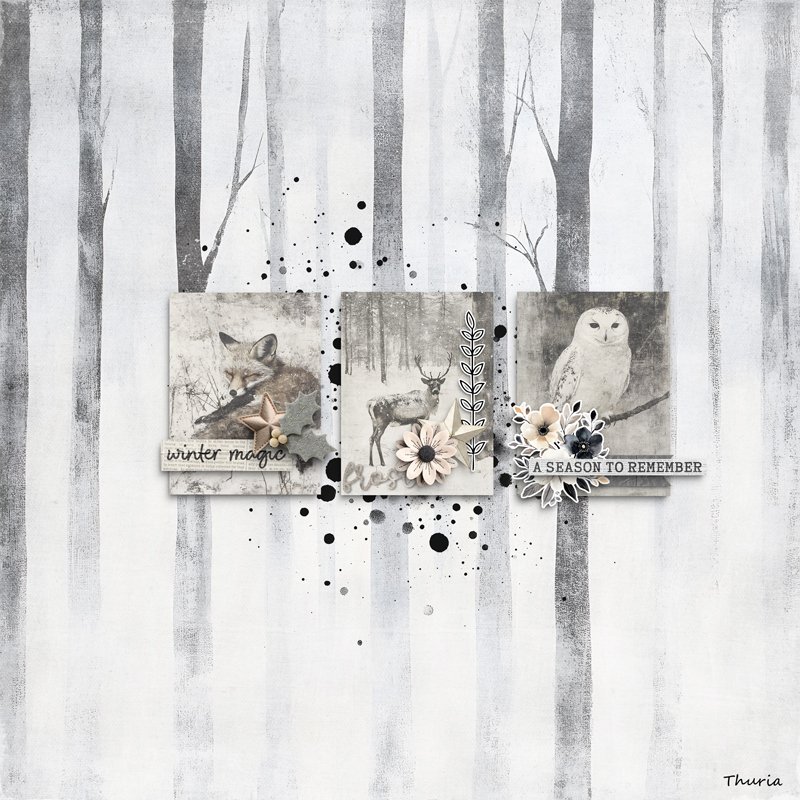
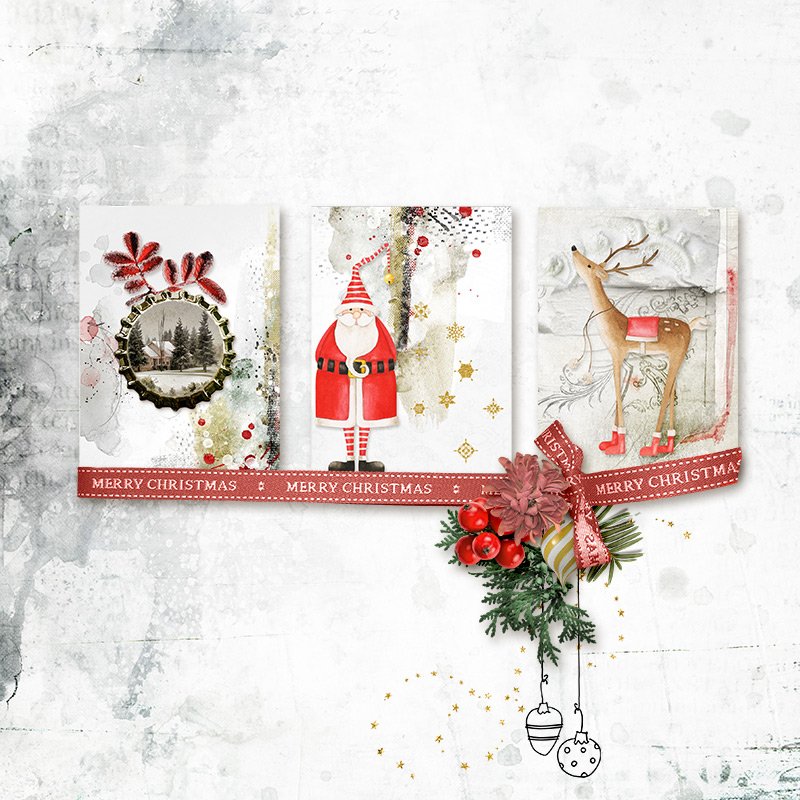
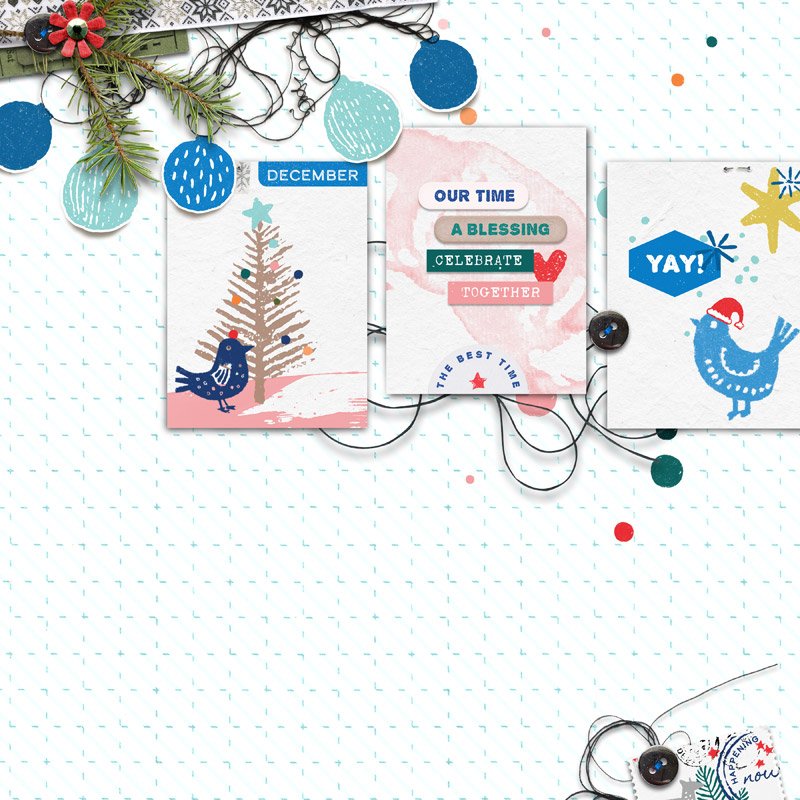
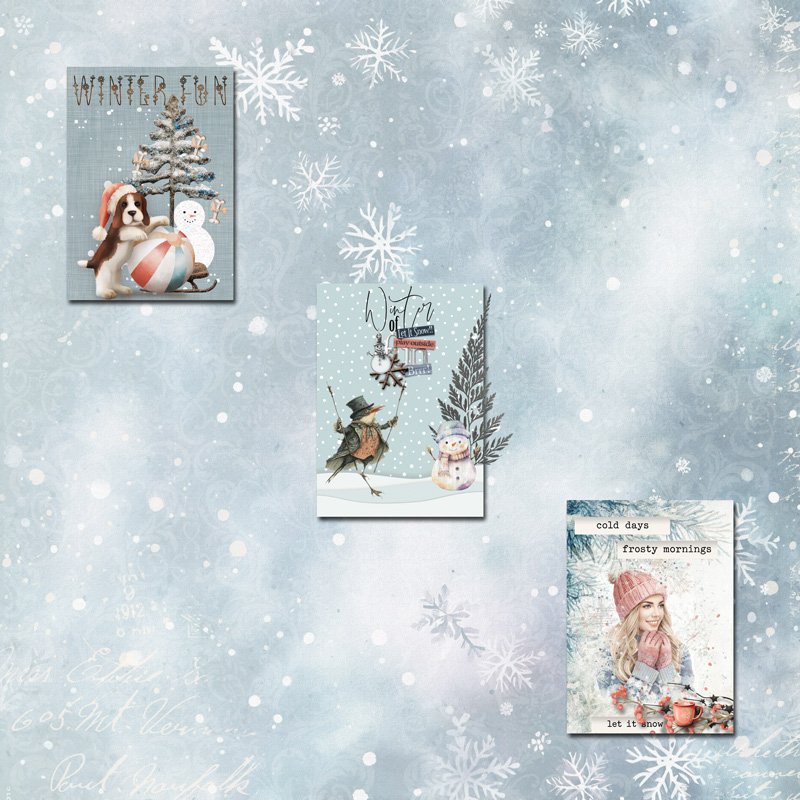
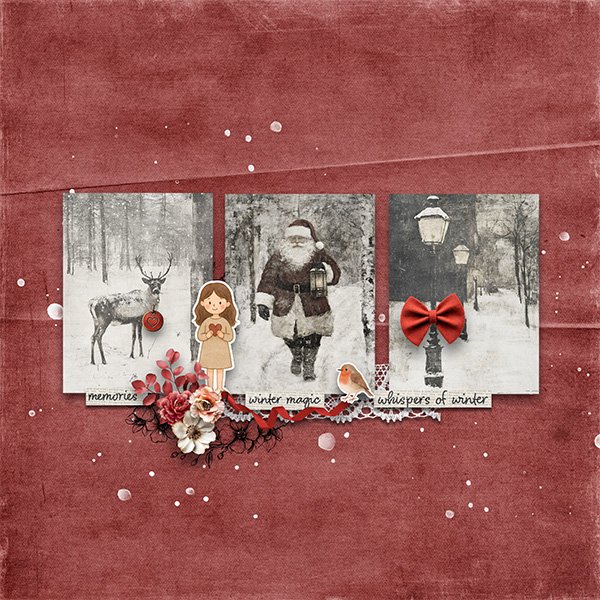
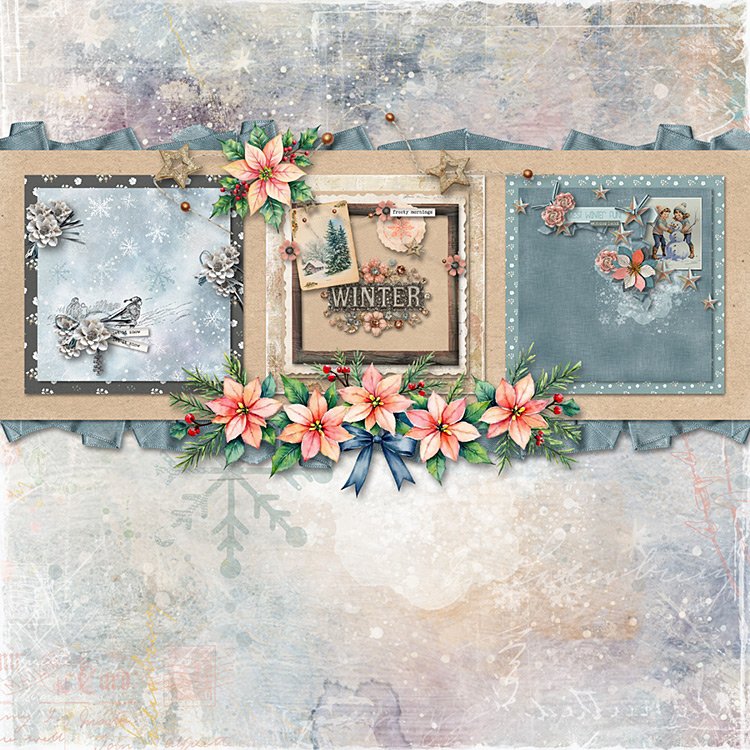
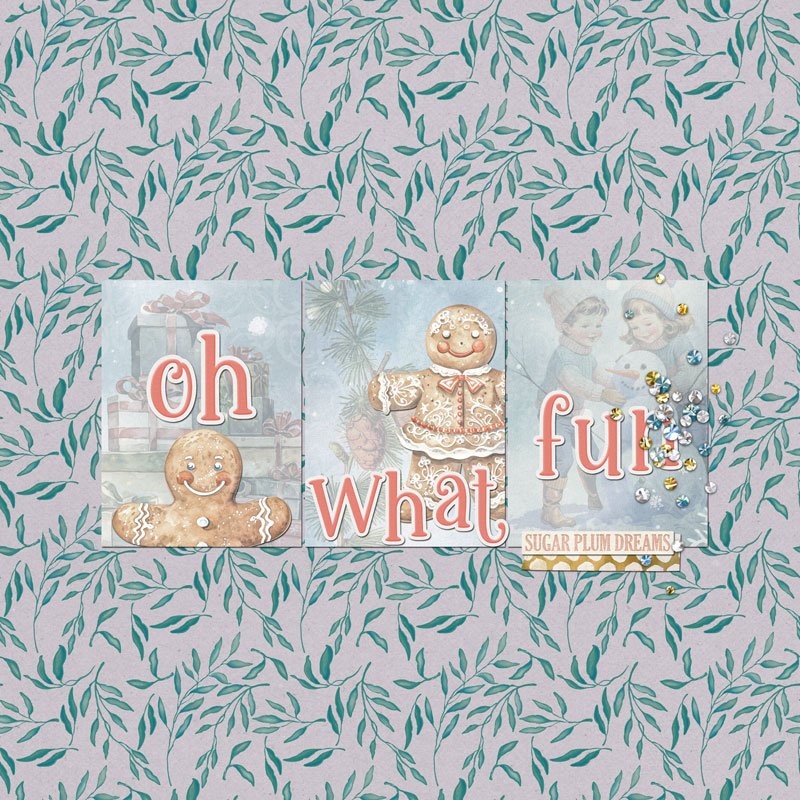
Today's challenge is an ATC/Journal Card Challenge. For this challenge, you will need to create three ATC Cards with a Christmas (or any December Holiday you celebrate, such as Hanukkah or Kwanzaa) or Winter theme. You can choose ATC card size (3.5 in x 3.5 in) or Journal Card size (either 3 in x 4 in or 4 in x 6 in) You can have the cards be vertical or horizontal. That is all up to you.
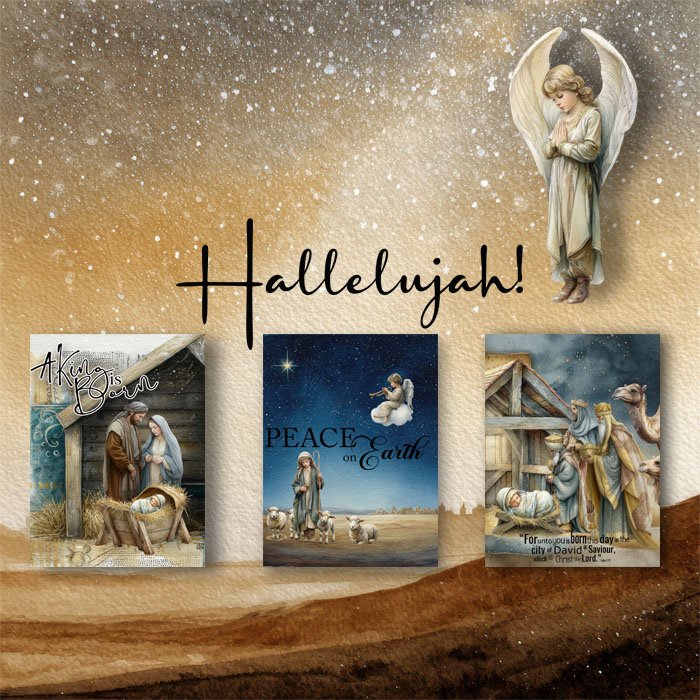
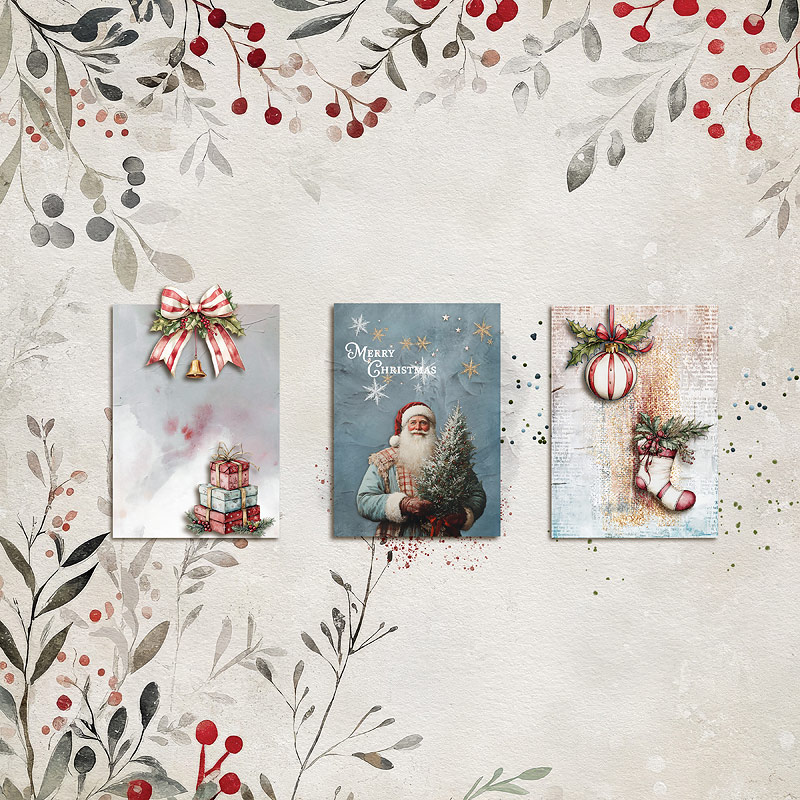
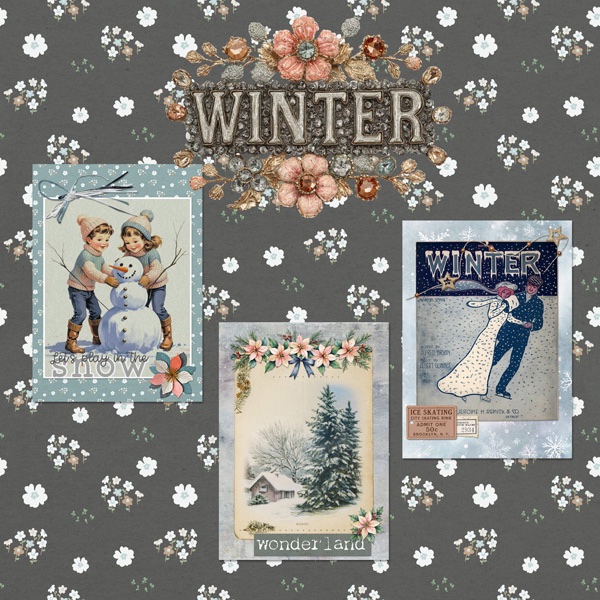
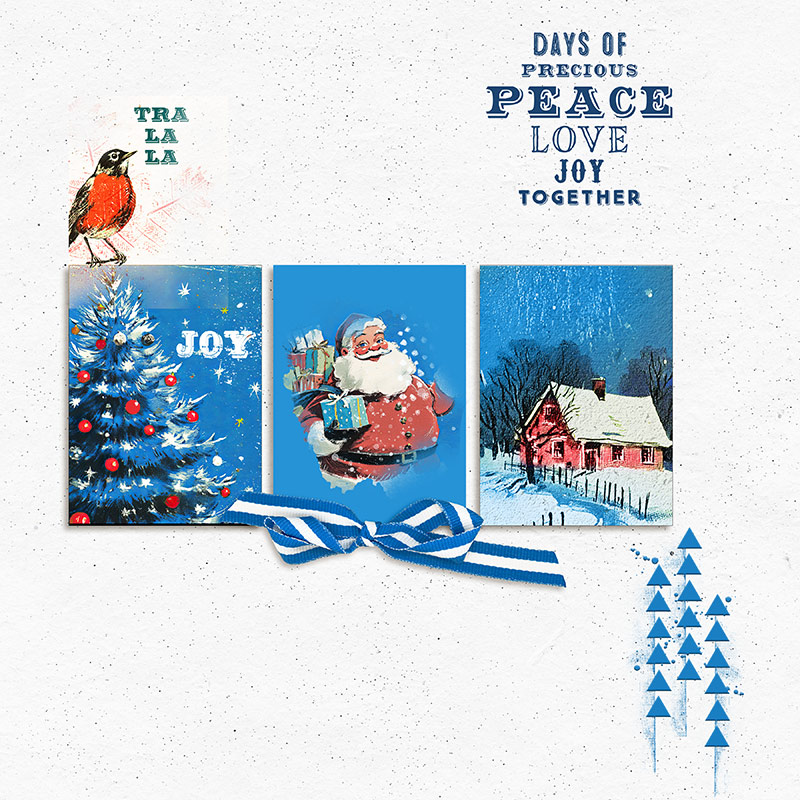
Here are my three cards.
All other challenge requirements are below. Now, go out and have some fun creating your cards.
Challenge Prizes and rules:
PRIZES:
- Winner 1 - $10 to Aimee Harrison Designs
- Winner 2 - $5 to Maya de Groot
- Winner 3 - $5 to ADB Designs
*All prize coupons will be distributed during the week after the challenges are closed at the end of the month.
RULES:
- Create 3 ATC/Journal Cards with a Christmas, December Holiday or Winter Theme
- Important: Please include the words DAY 3 in your title when uploading your layout to the EVENT gallery.
- Layout needs be a new one for this challenge and not used for another challenge.
- Please use 100% Oscraps products. (Please note this is different from our regular monthly challenges.)
- You need to credit all the products used on your layout.
- You need to credit the source of any photo(s) as per the Gallery Guidelines.
- Create a post in the 12 DAYS TRACKING THREAD 2025 to keep track of your completed challenge layouts.
(We will select our Grand Prize winners from this thread, so create a post now and remember to keep updating it throughout the month! )
- Your page must be posted only in the 12 Days December 2025 Gallery by PST 11.59 pm 31 December 2025 and linked back to this thread (see below).
--------------------
Adding a linked layout from the Gallery to a thread:
1. Upload your layout to the gallery first. In your forum post click the Gallery Embed icon (little camera).
2. This will open your gallery, simply click on the layout you require, then scroll down to the bottom of the screen and click the Continue button.
3. Your linked layout is now in your post, the image will appear once you have clicked the Post Reply button.
Last edited: