It's nice to meet you!
Welcome to Day 9 of our 12 Days of December Event!
My name is Anne (the e is silent) and I'll be your host for this game.
I live near Raleigh/Durham, North Carolina, with my husband and our two rescue kitties.
We are "prospurring" (prospering + purring) together.

For this challenge you will select ONLY ONE of the following photos and use it in a layout.
(All of the photos are stock images from Unsplash.com which we're able to use for free under their license.)
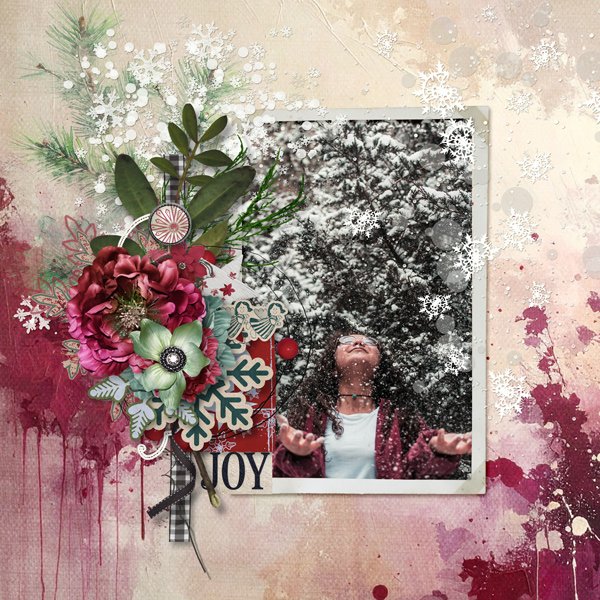
Image #1 - Joyful Snowfall Woman
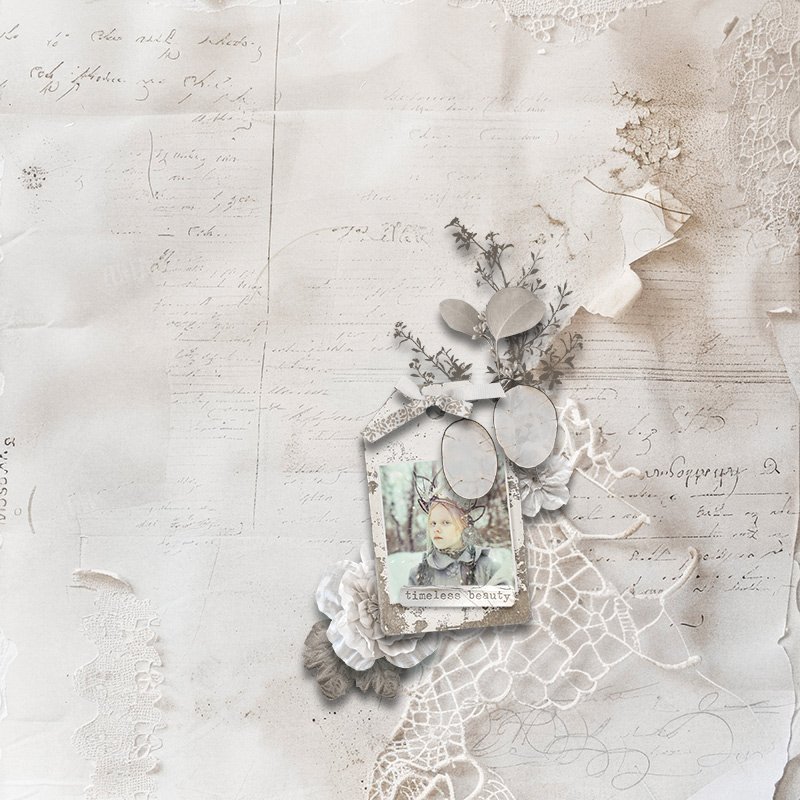
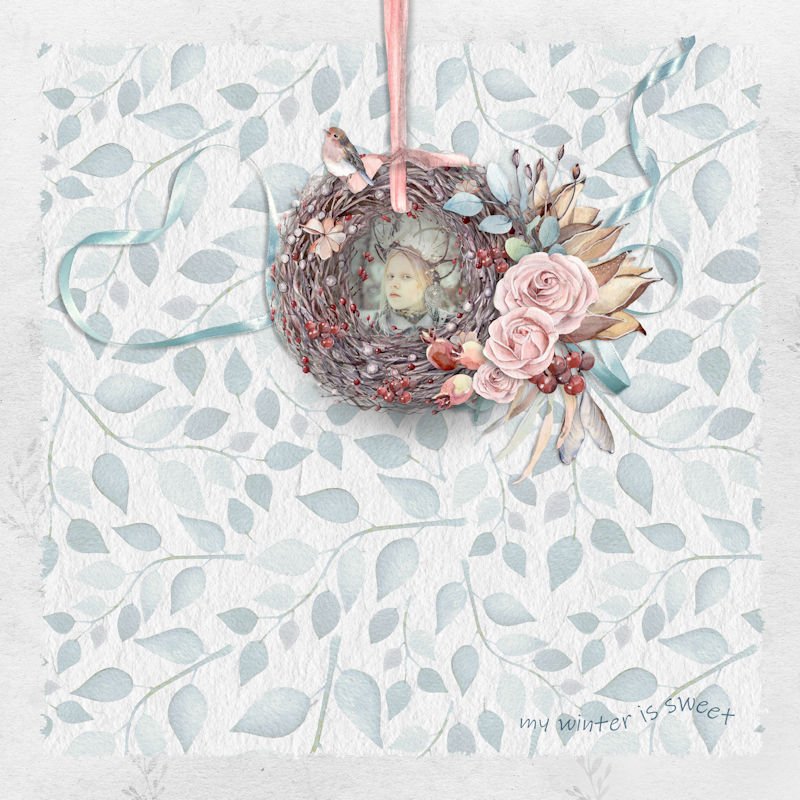
Image #2 - Snow Queen
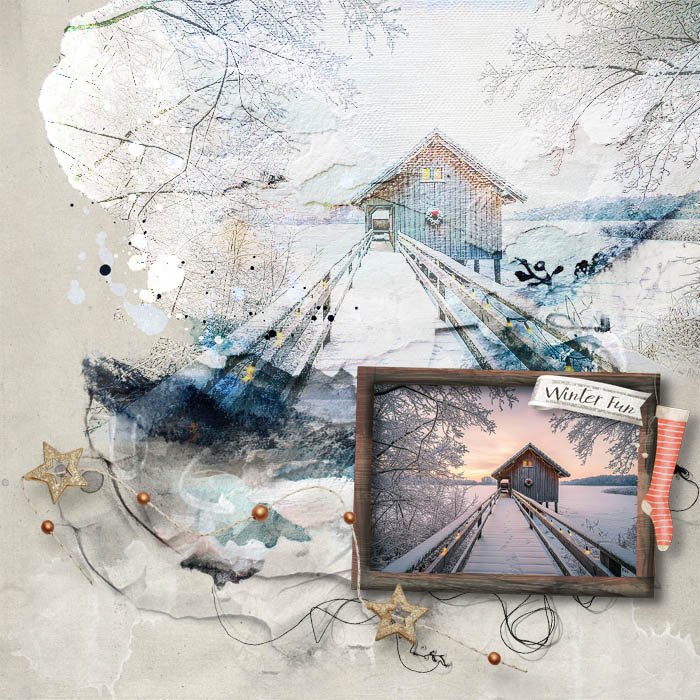
Image #3 - Holiday Boathouse
(for this image, you may edit out the holiday wreath, if you wish,
or cover it with an embellishment or symbol that you prefer,
or perhaps one of the other photos might be a better fit for you)
How to Get the Photo
Once you've picked which photo you want to use,
right click on that photo above and a menu will appear.
Choose "save image as" and a pop-up window will appear,
asking you where you want to save the photo on your computer.
Save the photo someplace you'll remember where it is!
Once you've picked which photo you want to use,
right click on that photo above and a menu will appear.
Choose "save image as" and a pop-up window will appear,
asking you where you want to save the photo on your computer.
Save the photo someplace you'll remember where it is!
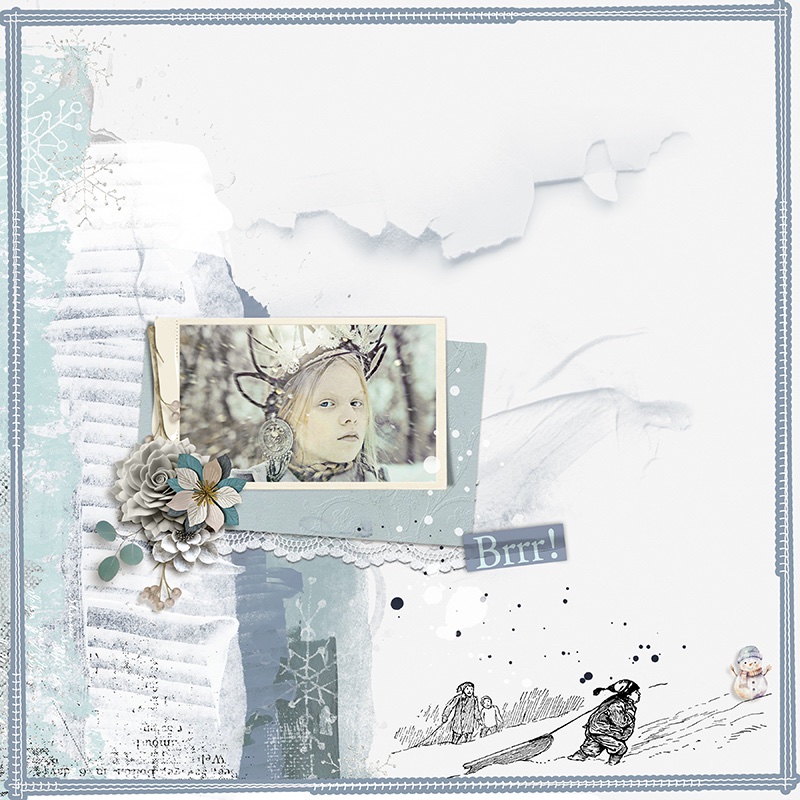
Example Layout for Inspiration
I had so much fun creating my inspiration page using the
Winter Is Here Collection by Palvinka Designs.

I had so much fun creating my inspiration page using the
Winter Is Here Collection by Palvinka Designs.
Challenge Prizes and Rules
PRIZES:

- Winner 1 - $10 to reginafalango
- Winner 2 - $5 to Vicki Stegall Designs
- Winner 3 - $5 to Aimee Harrison Designs
RULES:
- You can ONLY USE ONE of the provided photos in your layout.
- You may not recolor the photo.
- You may use the photo "as is," mask it, blend it, extract it, or whatever you like (except recoloring), as long as the photo is clearly there and easily visible. (No hiding it!)

- You need to show at least 1/2 (half) of the photo and it should cover least 1/4 (quarter) of the layout.
- You need to add papers and/or elements to your layout. It can't simply be the image on white.

- Important: Please include the words DAY 9 in your title when uploading your layout to the EVENT gallery (12 Days December 2025 Gallery).
- Layout needs be a new one for this challenge and not used for another challenge.
- Please use 100% Oscraps products. (Please note this is different from our regular monthly challenges.)
- You need to credit all the products used on your layout.
- Be sure to credit the photo in your gallery description. You can simply cut and paste whichever one of these is appropriate:
- Stock/Unsplash for Day 9 Challenge: Joyful Snowfall Woman
- Stock/Unsplash for Day 9 Challenge: Snow Queen
- Stock/Unsplash for Day 9 Challenge: Holiday Boathouse
- Create a post in the 12 DAYS TRACKING THREAD 2025 to keep track of your completed challenge layouts.
(We will select our Grand Prize winners from this thread, so create a post now and remember to keep updating it throughout the month! ) - Your layout needs to be posted only in the 12 Days December 2025 Gallery by PST 11.59 pm 31 December 2025 and linked back to this thread (see below).
Adding a linked layout from the Gallery to this thread:
1. Upload your layout to the gallery first. In your forum post in this thread click the Gallery Embed icon (little camera).
2. This will open your gallery, simply click on the layout you require, then scroll down to the bottom of the screen and click the Continue button.
3. Your linked layout is now in your post, the image will appear once you have clicked the Post Reply button.
Alternative way (my favorite way) to add a linked layout from the Gallery to this thread:
1. Upload your layout to the gallery first.
2. In the lower right corner of your layout's page, it says, "Copy GALLERY BB code." Click on the blue two-pieces-of-paper icon to copy the code.
3. In your forum post in this thread, on a new line, click Ctrl+V or Cmd+V to paste the code in. Once you click Post Reply, your gallery post will appear and it will be linked!
Last edited: