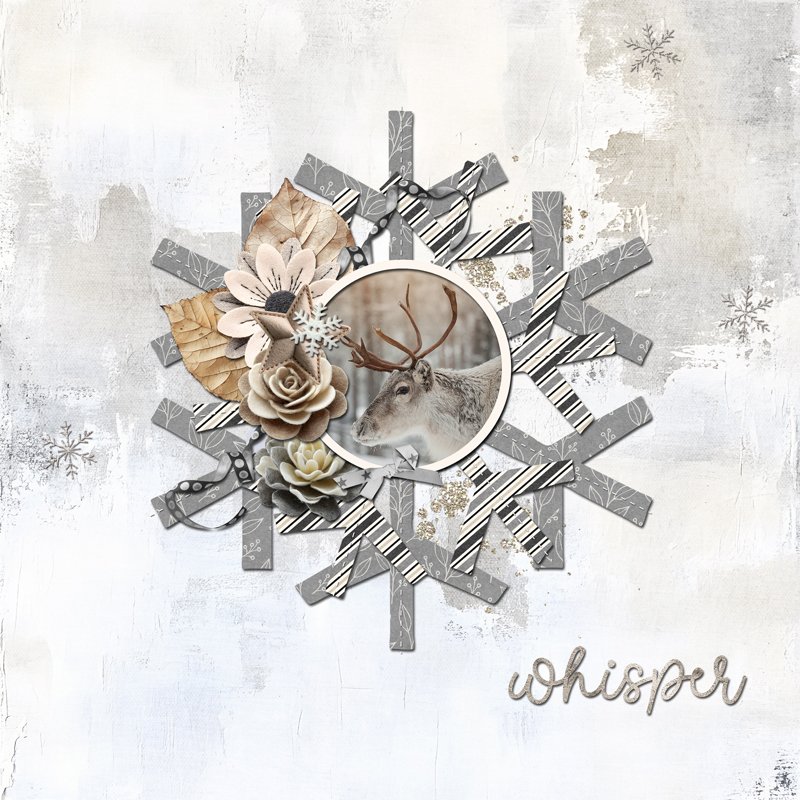
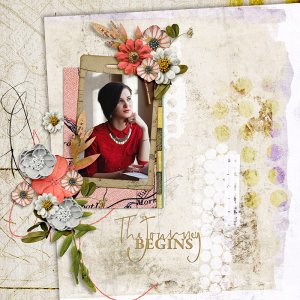
Created for the Day 1 Template Challenge. To create this layout, I started with the template and my photo. I found the layers for the photo and a matte. I decided that rather than have the matte behind the photo, I wanted a ring matte above the photo, so I could add a drop shadow. So I placed the photo as per the template, created the ring matte, and added the shadow.
Next I worked with the layers above the photo, a flower, star, bow, button, and the words on the word strip. I placed the flower, star, and button as per the template, but I moved the bow to the bottom of the photo frame, and I switched from words on a word strip to a larger title: whisper.
Then I worked on the layers below the photo, starting with the flowers and leaves. After that, I moved on to the snowflakes and stitching. I used clipping masks in Photoshop to clip patterned papers to the snowflake layers. Then I tested out different background papers until I found the one I liked best. Finally, I added some glittery paint splatter and three smaller snowflakes.