Nigigoesdigi_Ume {Plum} | Kit
[url=
http://www.oscraps.com/shop/ume-plum-kit.html]here[/url]
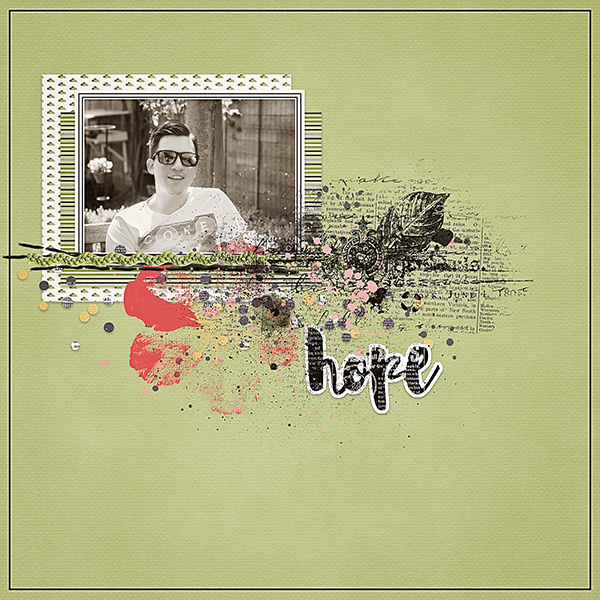
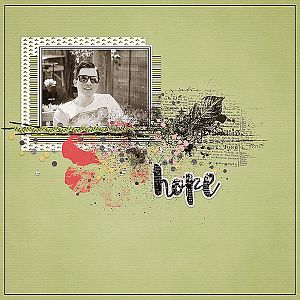
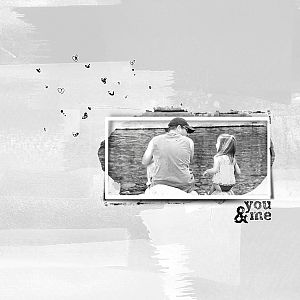
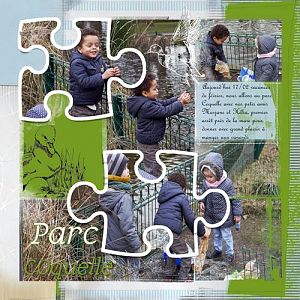
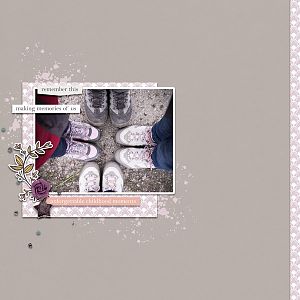
Process: I started with the backgroundpaper. Added the frame and place my photo under it. Then i placed 2 patterend papers under the photo. Go to the layer from the first patterned paper and select a rectangular shape. Go to select and click on inverse. The push on delete.
I add some brushes, elements, stiches, ribbon and wordart.
Thanks for looking !