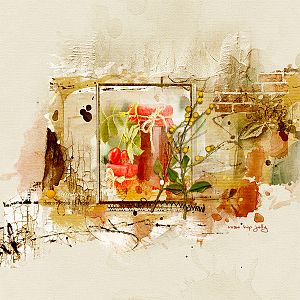
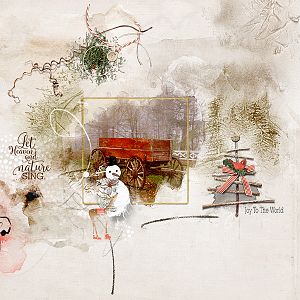
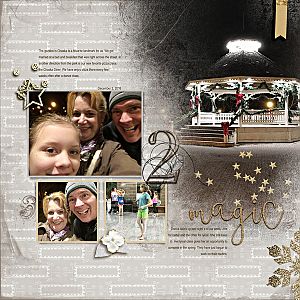
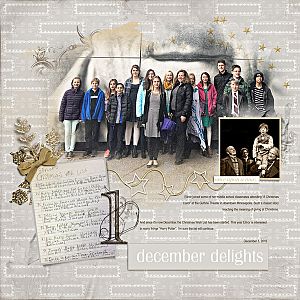
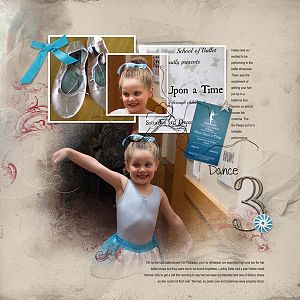
I cropped my photo and sharpened it a little. In a new document I clipped it to a Framed FotoBlendz No. 1. I placed a backgroundpaper. I placed all the transfers and brushes some were (re)colored. I placed a frame under the photo. I placed some brushes and transfer over the photo and the frame (some were blended in) . I placed the title and colored it in with multiple colors. Also some brushes I gave some more colors I sampled from the photo. I placed the elements. I typed the text under the photo. I placed the (colored) strokes. I merged the layers and did some sharpening and Dodge and Burn work. I gave the page a bit more warmth and color with a Gradient Overlay that I blended in.
This site uses cookies to help personalise content, tailor your experience and to keep you logged in if you register.
By continuing to use this site, you are consenting to our use of cookies.