Anna Aspnes
Artsy Layered Template 230 [url=
http://www.oscraps.com/shop/Artsy-Layered-Template-No.-230.html] Artsy Layered Template 230[/url]
Artplay Palette Antiquity (paper, button, transfers) [url=
http://www.oscraps.com/shop/ArtPlay-Palette-Antiquity.html] Artplay Palette Antiquity[/url]
Urban Threadz 11 [url=
http://www.oscraps.com/shop/UrbanThreadz-No.-11.html[/url]
Antiquity WordArt Mix 1 [url=
http://www.oscraps.com/shop/Antiquity-WordART-Mix-No.-1.html] Antiquity WordArt Mix 1[/url]
Watercolor FotoBlendz 6 [url=
http://www.oscraps.com/shop/WaterColor-FotoBlendz-No.-6.html]Watercolor FotoBlendz 6[/url]
Process
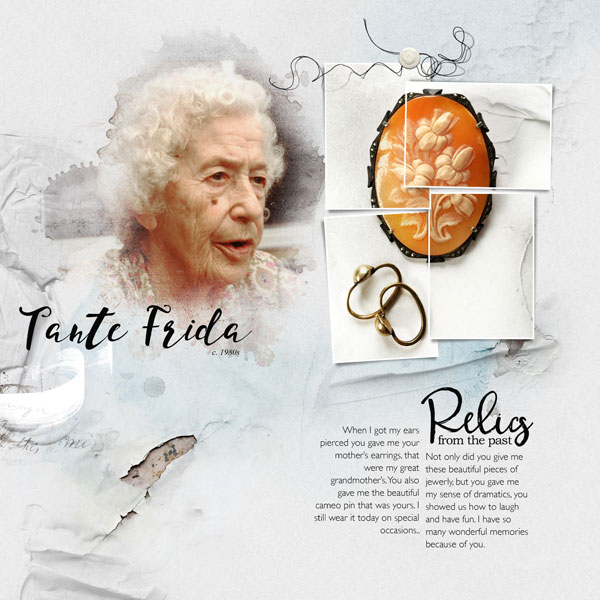
Artsy Layered Template 230 was opened up. All layers were turned off except for the framed layers. A solid paper from APP Antiquity was used as the background. The photo of the jewerly was imported, duplicated 3 times and clipped to the frame masks. Several transfers from APP Antiquity were clipped to the individual frames with the blending mode changed to color burn (reduced opacity) to give more texture to the photo. A fotoblendz mask was added and the photo was clipped to it. Each layer of the template was turned on, either moved, recolored, resized or deleted. Word art, a few embellishments and the journaling were added.
Thank you for looking!