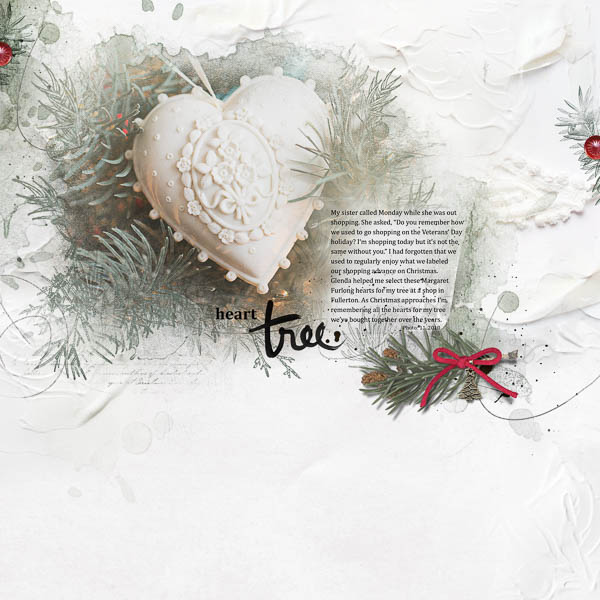
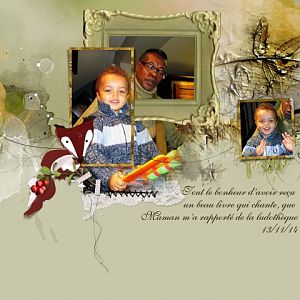
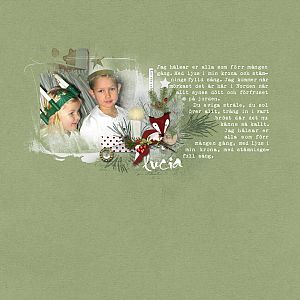
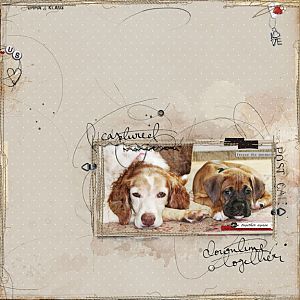
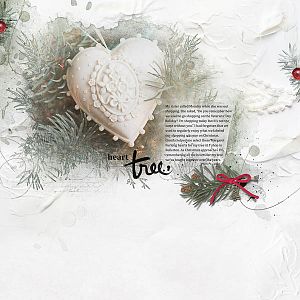
Just remembering how this heart became part of my ornament collection...
Anna Aspnes
ArtPlay Palette Evergreen [url=
http://www.oscraps.com/shop/product.php?productid=10011151]ArtPlay Palette Evergreen[/url]
Christmas WordArt No. 9 [url=
http://www.oscraps.com/shop/product.php?productid=10011150]Christmas WordArt No. 9[/url]
MultiMedia Winter No. 1 [url=
http://www.oscraps.com/shop/product.php?productid=10011149]MultiMedia Winter No. 1[/url]
Holiday Template Album No. 4A [url=
http://www.oscraps.com/shop/product.php?productid=10011136&cat=383&page=1]Holiday Template Album No. 4A[/url]
Evergreens No. 1 [url=
http://www.oscraps.com/shop/product.php?productid=10011135&cat=383&page=1]Evergreens No.1[/url]
Font: Cambria
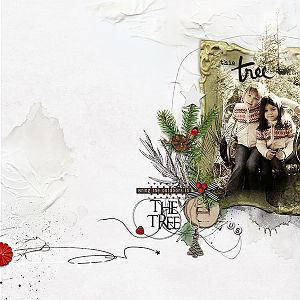
Process: This layout began with Annas beautiful solid paper1 and a photo. I dragged the fotoblendz mask, stain, fotoglows and evergreen brushes from the Holiday Template Album page 3 as well as a transfer from page 4 and a texture from page 2 onto my page. I placed transfer 2 in the bottom right corner, using a layer mask to blend it into the paper. I copied the mask, clicked the add a layer mask and pasted it on the mask. Then I adjusted it with brushes and glows to fit my photo. Next, I recolored the brushes and arranged them below the stain. For the journaling mat, I used transfer 8, masked out parts and added a hue/saturation adjustment layer so that it fit with my photo. I duplicated transfer 8, rotated it and moved it to the top right corner. For interest, I placed parts of MultiMedia Winter1_2 below my journaling. I added the tree charm, masking out parts so that it looked like it hung from the red ribbon. To repeat the red, I duplicated a brush and bead from the Holiday Album Templates. I added the word art, masked out the word this and replaced it with heart to fit my journaling. I finished by adding artstroke 2 just above the paper.
Thanks for looking!