Anna Aspnes
Artplay Palette Go See (on sale) [url=
http://www.oscraps.com/shop/product.php?productid=44009&cat=387&page=3]Artplay Palette Go See[/url]
Foto BradPack 1 (on sale) [url=
http://www.oscraps.com/shop/product.php?productid=27141&page=1]Foto BradPack 1[/url]
Palm Tree FotoFrames (on sale) [url=
http://www.oscraps.com/shop/product.php?productid=28187&page=1]Palm Tree FotoFrames[/url]
Cool Glows 2 (on sale) [url=
http://www.oscraps.com/shop/product.php?productid=31026&cat=393&page=1]Cool Glows 2[/url]
Artplay Palette Storm [url=
http://www.oscraps.com/shop/product.php?productid=30954&page=1]Artplay Palette Storm[/url]
Artplay Palette Ocean Cove [url=
http://www.oscraps.com/shop/product.php?productid=43872&page=1]Artplay Palette Ocean Cove[/url]
Artplay Palette Get Away [url=
http://www.oscraps.com/shop/product.php?productid=10008082&page=1]Artplay Palette Get Away[/url]
Urban Stitchez 7 [url=
http://www.oscraps.com/shop/product.php?productid=10009047&page=1]Urban Stitchez 7[/url]
Watercolor FotoBlendz 4 [url=
http://www.oscraps.com/shop/product.php?productid=10009078&page=1]Watercolor FotoBlendz 4[/url]
JazzedUp LoopDaLoop 1 [url=
http://www.oscraps.com/shop/product.php?productid=27857&page=1]JazzedUp LoopDaLoop 1[/url]
The Process
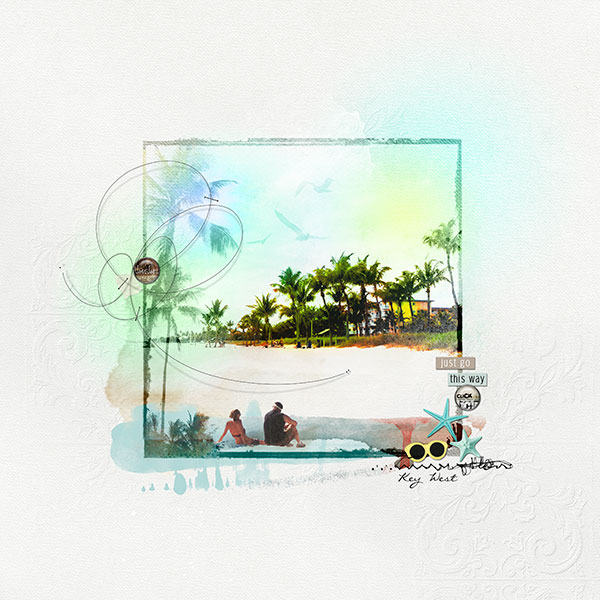
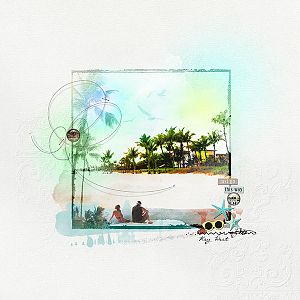
I chose a neutral background paper from AP Go See. Clipped a paper from AP Ocean Cove to a watercolor fotoblendz and then clipped my photo to the paper, duplicated the photo and changed the blending mode to hard light. I placed a Palm Tree FotoFrame over my photo and changed the blending mode to soft light and duplicated it two more times to give it a darker color. I clipped a transfer from AP Storm to the palm tree portion of the fotoframe and placed a transfer from AP Go See behind the fotoframe. I added several Cool Glows 2 and changed the blending mode to color. Next word labels, element, stitching and loops were added to complete the page.
TFL