also...
Captivated Visions - You Are Strong (painted leaves and circles)
Thanks for looking :-)
process...
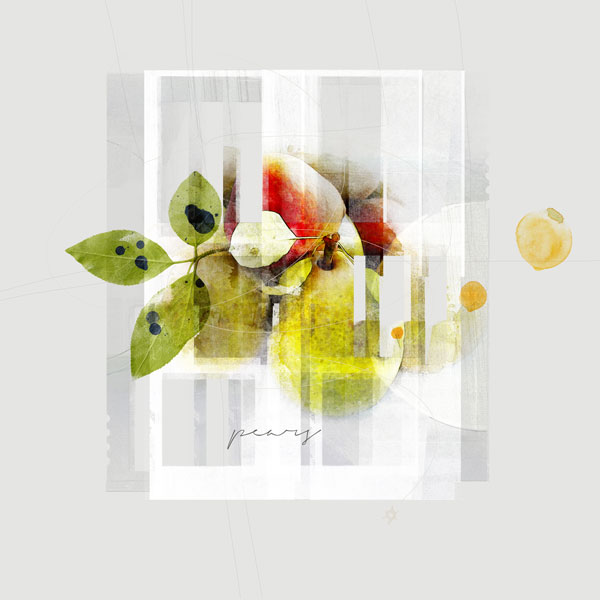
i played with the photo then clipped it to a watercolor fotoblendz and flattened the image. i took the new image and clipped it over and over to the urban frame transfers until i got something that i liked. i added the leaves, paint dots, and title and it was done.
So fabulous! Instead of flattening, have you ever made a stamp? Just make visible only the layers you want to merge, and do a Ctrl+Alt+Shift+E (translate if you are on Mac). PS merges the visible layers onto a separate layer w/o deleting any of the separate layers. That way, you still have all your layers to work with if you want to change them. If you have never done this, go to Adobe help for clear instructions.
This site uses cookies to help personalise content, tailor your experience and to keep you logged in if you register.
By continuing to use this site, you are consenting to our use of cookies.