Oscraps

pmjames

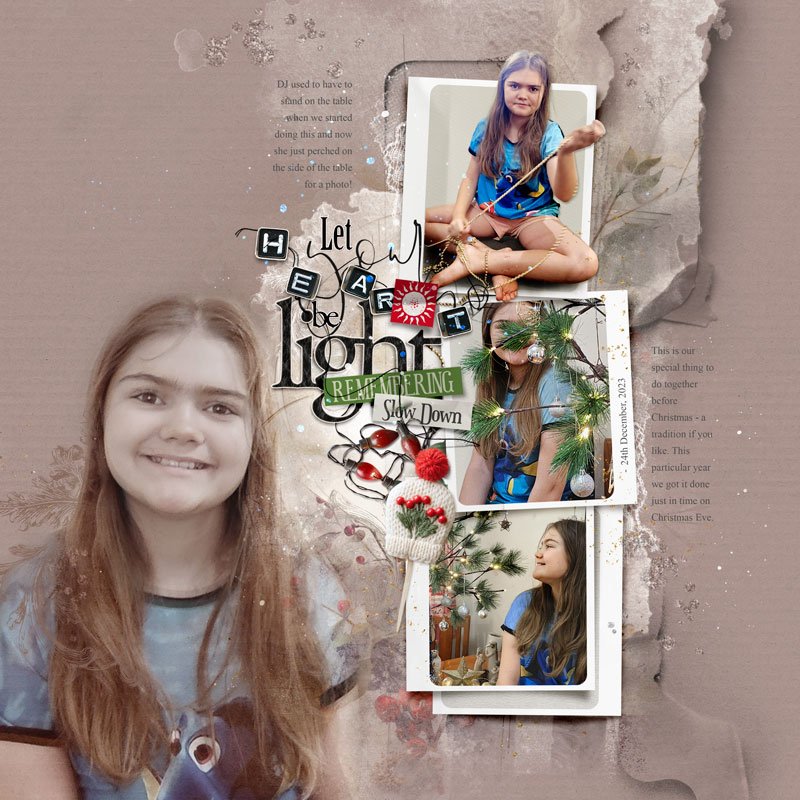
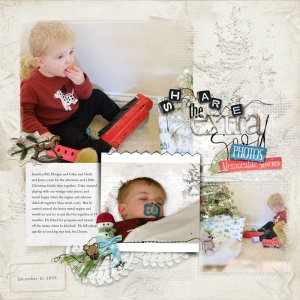
Let your Heart be Light

  • Media owner pmjames
  • Date added
Playing with the NEW Collection "Hallelujah" out in the Store SOON!

Process:
• Open the Hallelujah Artsy Layered Template.
• Add three different solid papers to the page. Apply Blending Modes to the top two paper layers .
• Turn off or reposition template layers as needed to best suit your layout design.
• Extract your focal image, duplicate it, and apply Blending Modes to both copies.
• Clip your photos and papers to the Frame Mask Layers. Extract one image and place it above the Frame.
• Add Transfers below the Frame Layers.
• Create a Title Cluster and position it at the top of the layout.
• Complete the page by adding journaling and splatters.

Credits list
Artplay Hallelujah Collection
Artplay Palette Hallelujah
Hallelujah Artsy Layered Template
Holiday WordART Clusters 4

Other
Urban Threadz 26
Designer(s) Used:
  1. Anna Aspnes
Photo(s) Credit (REQUIRED field beginning Feb 1, 2025)
Photos are my own

Layout information

Category
Anna Aspnes
Added by
pmjames
Date added
View count
40
Comment count
5
Rating
0.00 star(s) 0 ratings

Image metadata

Filename
anna-aspnes-digital-scrapbook-artsy-layered-template-hallelujah-michelle-let-your-heart-be-light.jpg
File size
143.9 KB
Dimensions
800px x 800px

Share this layout

Back
Top