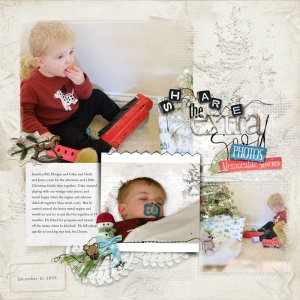
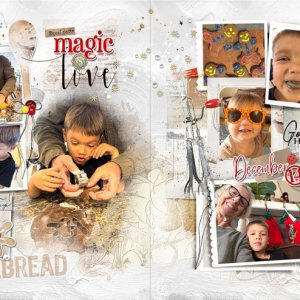
Playing with the NEW Collection "Hallelujah" out in the Store SOON!
Process:
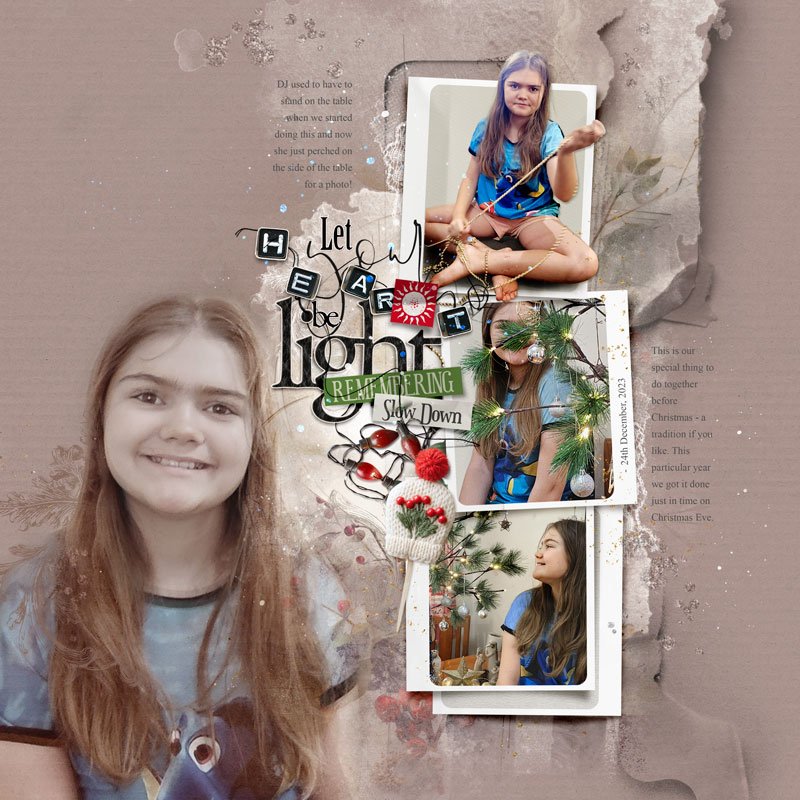
• Open the Hallelujah Artsy Layered Template.
• Add three different solid papers to the page. Apply Blending Modes to the top two paper layers .
• Turn off or reposition template layers as needed to best suit your layout design.
• Extract your focal image, duplicate it, and apply Blending Modes to both copies.
• Clip your photos and papers to the Frame Mask Layers. Extract one image and place it above the Frame.
• Add Transfers below the Frame Layers.
• Create a Title Cluster and position it at the top of the layout.
• Complete the page by adding journaling and splatters.