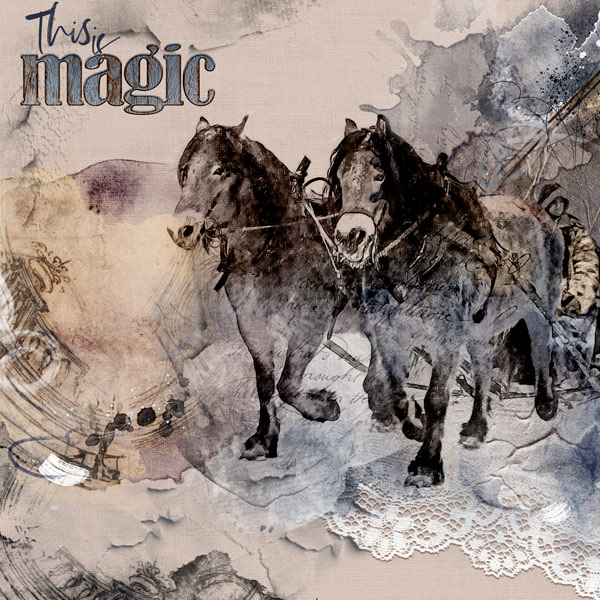
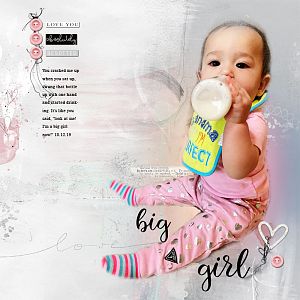
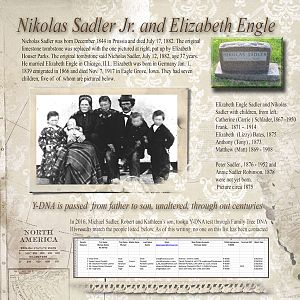
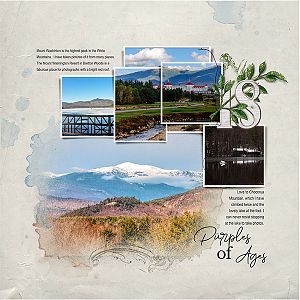
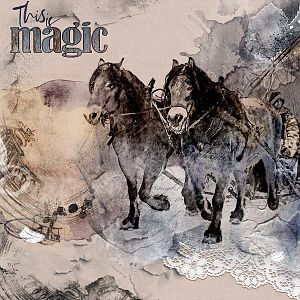
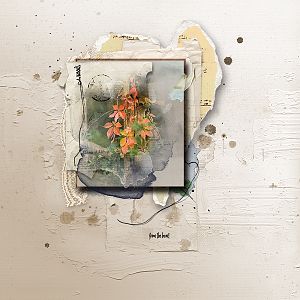
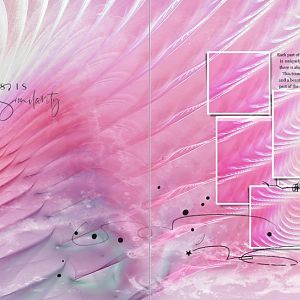
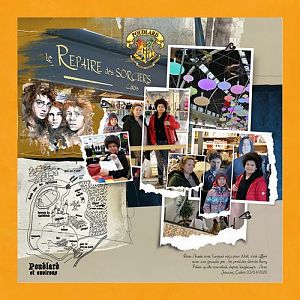
Process: I started with a solid paper from ArtPlay MiniPalette Rococo. I placed a sketch of my photo and changed the blending mode to Linear Burn. I added a mask and did all changes for the photo on this. I added three transfers from ArtsyTransfers Rococo. The one placed to the left was duplicated and most of the blending modes were changed on all the transfers layers. Then I placed all under the photo. I erased parts of the transfers layers and also used the Clone Tool to extend some to get them where I wanted the effects in order to see the layers through the photo. I then added brushes and finished with the wordart and word. The word from Holiday WordART Mix No 13 was set to blending mode Exclusion with two copies placed over set to Darken and Vivid Light.
This site uses cookies to help personalise content, tailor your experience and to keep you logged in if you register.
By continuing to use this site, you are consenting to our use of cookies.