Credits:
ANNA ASPNES DESIGNS
***AnnaRelease 12 July 2019*** [url=
https://www.oscraps.com/shop/AnnaRelease-12-July-2019.html]AnnaRelease 12 July 2019[/url]
ArtPlay Palette Uplift_PatternPaper1;SolidPaper3;Transfer5;Brush5;WoodSmileyFace; LWTogetherWeRise;LWLoveThis [url=
https://www.oscraps.com/shop/ArtPlay-Palette-Uplift.html]ArtPlayPaletteUplift[/url]
Uplift WordART Mix No 1_WABestKind [url=
https://www.oscraps.com/shop/Uplift-WordART-Mix-No.-1.html]Uplift WordARTMixNo1[/url]
MultiMedia Balloons No. 4_1A;3 [url=
https://www.oscraps.com/shop/MultiMedia-Balloons-No.-4.html]MultiMedia Ballons No. 4[/url]
Artsy Layered Template No. 294_paper [url=
https://www.oscraps.com/shop/Artsy-Layered-Template-No.-294.html]ArtsyLayeredTemplateNo.294[/url]
Knotted UrbanThreadz No. 1_10 [url=
https://www.oscraps.com/shop/Knotted-UrbanThreadz-No.-1.html]Knotted Urban Threadz No. 1[/url]
Process:
I used the sets of AnnaRelease 12 July 2019 for the site.
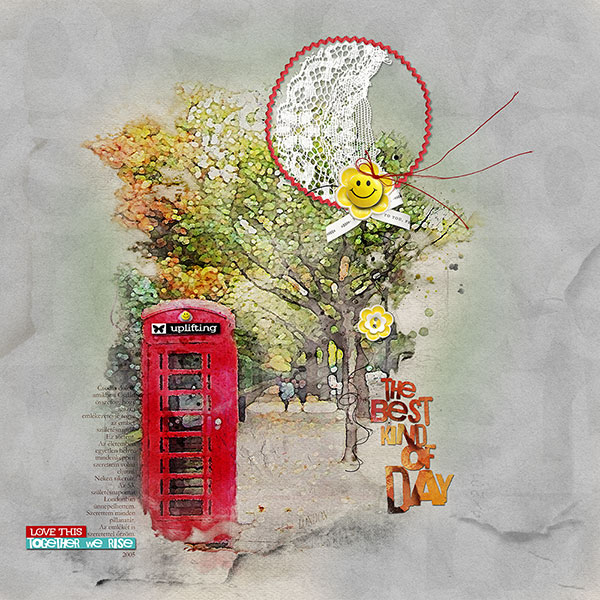
I've edited the photo with Adobe Create Action WaterColor Effect.
https://create.adobe.com/2019/3/20/transform_photos_int.html
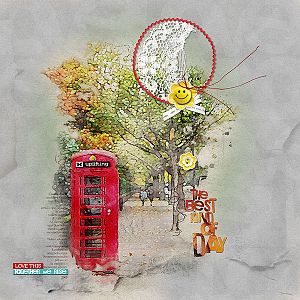
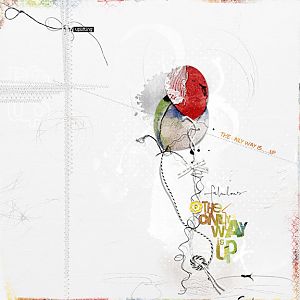
I started opening a 12x12 300 dpi. I pulled a Pattern Paper and then the photo. I deleted the unnecessary parts of the photo using a layer mask. I stepped back to Pattern Paper and opened the # 1A MM Balloons, scaled up. I've added # 3 Solid Paper to the layer above the photo. I opened # 3 MM Balloons. I made the texture by opening Transfer, Brush and ALT 294 Paper. I set blending and Fill. I put the duplicate button on the balloon's mass, then put WoodSmileyFace in the middle. I put it on the UrbanThreadz Masn Red. I copied and scaled WoodSmileyFace into the phone booth. I put a ribbon on the phone booth and next to the cab on the left. Finally I wrote a short text, also to the left of the phone booth.
Thanks for looking!
I do not speak English. I'm using Google Translator - sorry! I will answer your question!
Margo