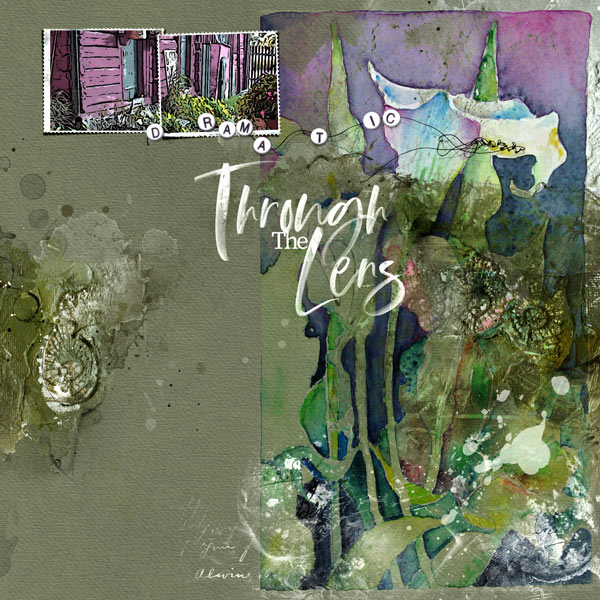
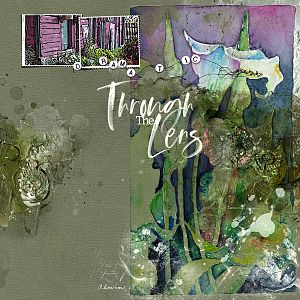
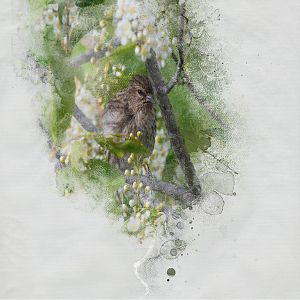
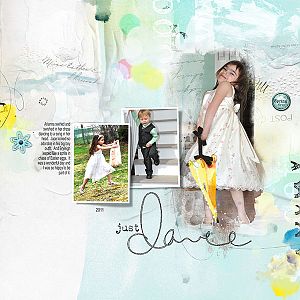
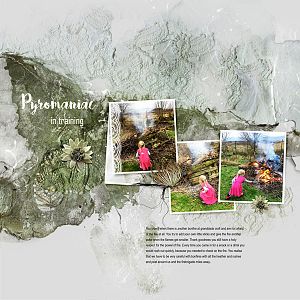
Process: I started with an artsy paper from ArtPlay Palette Moira and placed a transfer from ArtsyTransfers Moira in the top right corner. I added the the photo and clipped it to the frame from Postage Frames No 2. I placed the other photo to the right side and changed the blending mode to Darken and then duplicated it and the blending mode was set to Soft Light with a low opacity. I did a change of the color for the photo in the frames to fit the photo to the right side with an adjustment layer for Hue/Saturation. I added an adjustmentlayer for Levels to the right photo and increased the light. I placed the splatter from Splatters No 4 and the brush from Eggs No 1 and placed these in the botton right side. Both were recolored with a Color Overlay to a white tone. I added the wordarts from Outdoors WordART Mix No 1 and changed the title into white.
This site uses cookies to help personalise content, tailor your experience and to keep you logged in if you register.
By continuing to use this site, you are consenting to our use of cookies.