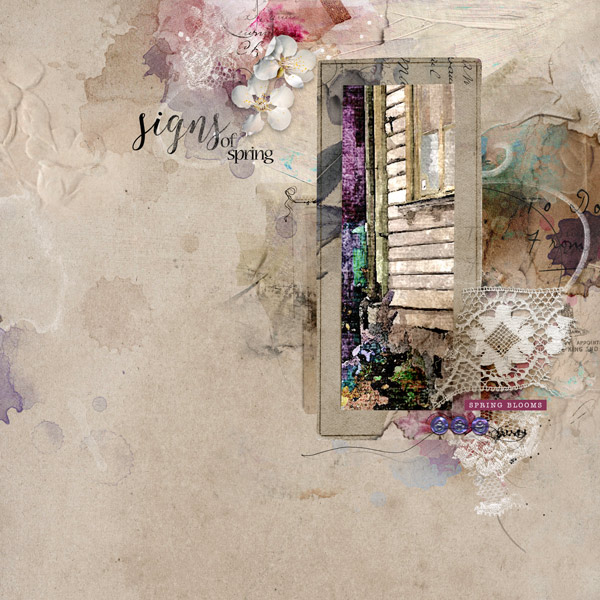
Process: I started with a solid paper from ArtPlay Palette Sashay. I added two transfers from ArtsyTransfers Sashay and merged the layers together. Then I duplicated the new background layer and the blending mode for the copy was set to Multiply. I placed the photo and used it with a frame from the APP. I duplicated the frame and the copy was set to blending mode Multiply. I added a mask to this layer to adjust parts where I thought the copy layer gave to much darkness. I placed another transfer on the right side under the photo and some documents from MultiMedia Documents No 4 on the left side under the photo. I continued and added embellishments from the APP and MultiMedia Documents No 4 and then finished the layout with the title from Spring WordART No 2.
Trs belle page et beau travail sur votre page, j'aime les couleurs et la luminosit de la photo, j'aime aussi la superposition des lment, ensemble trs russi Ulla.
This site uses cookies to help personalise content, tailor your experience and to keep you logged in if you register.
By continuing to use this site, you are consenting to our use of cookies.